
How to Check New Electricity Meter Application Status – All Methods Explained
Have you recently applied for a new electricity meter connection and want to check the details or status of your application, but feel confused about what to do, which website or app to use, and how to understand the updates?
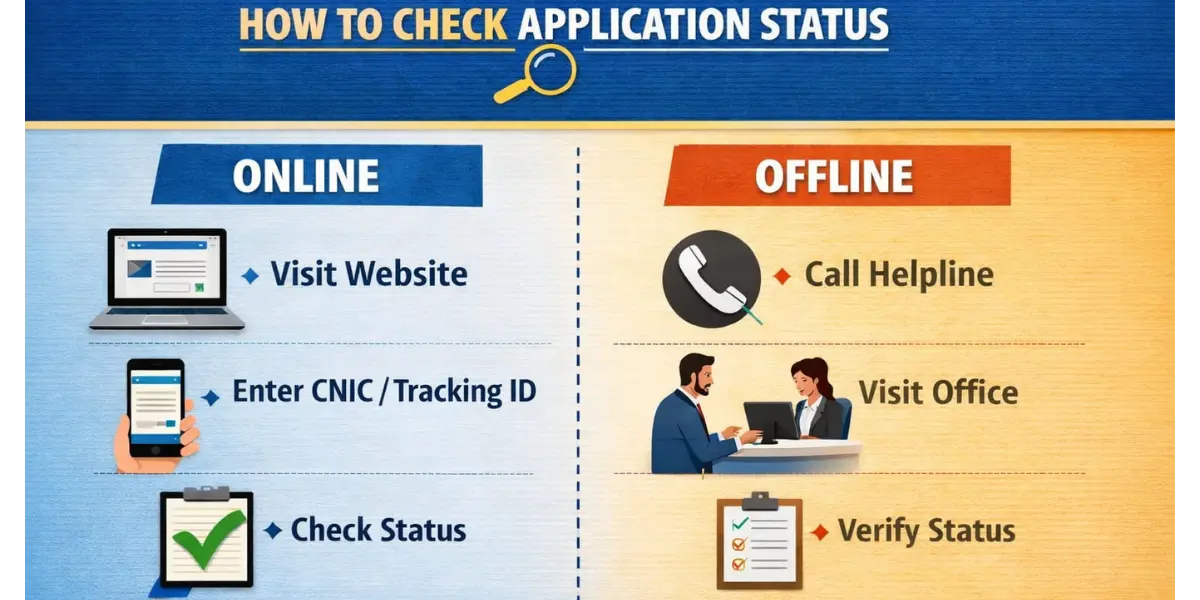
With years of experience as an electrician, I will guide you step by step, in simple terms, so that you can track your application quickly and easily without any problems. This guide will cover all available methods, whether online, via SMS, helpline, or by visiting the office, to make the process smooth and stress-free.
What is the Electricity Meter Application Status?
When you apply for a new electricity meter connection, your request goes through several stages, including verification, approval, and installation. It shows the current position of your application, such as:
- Approved
- Under process
- Rejected
- Incomplete
Understanding Your Tracking ID
When you apply for a new connection, you receive a tracking or reference ID.
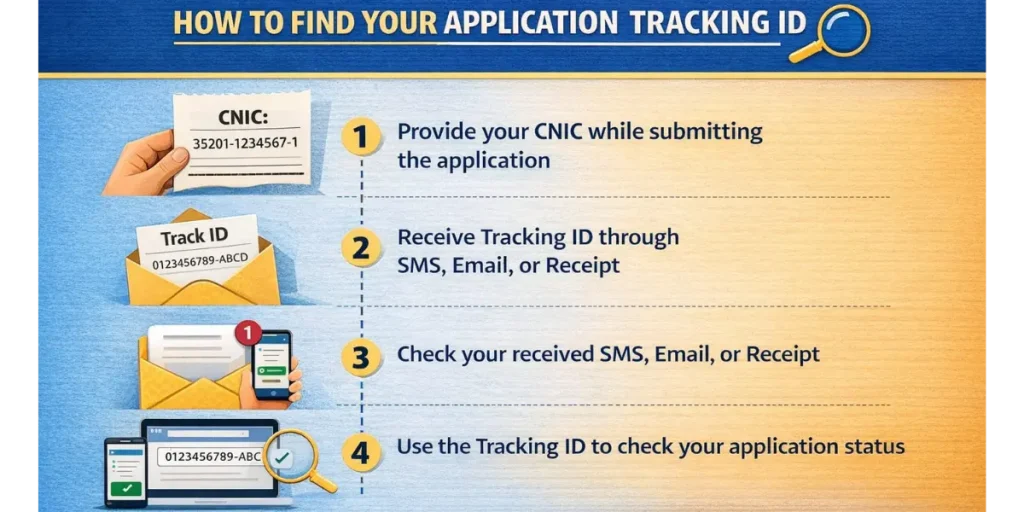
- It is usually given when you submit your application online or at a Customer Facilitation Center (CFC).
- It may be sent via SMS, email, or printed on your receipt.
- Keep it safe because without it, checking your status can be difficult.
How to Check Application Status Online?
There are two online ways to track:
- ENC Portal.
- Mobile Apps.
1. Via the ENC portal:
- Open the ENC portal link.
- Click Track or Application.
- Choose a New Connection.
- Select MEPCO from the list of companies.
- Enter your Tracking ID or CNIC (without dashes).
- Press Search / Submit to see your current status.
This method works well, but sometimes websites can be slow or under maintenance.
2. Using Company-Specific Apps
Many electricity companies provide official apps for tracking.
|
Company |
Recommended App |
|---|---|
|
MEPCO |
MEPCO Smart App |
|
MEPCO |
PowerSmart App |
|
Multiple Companies |
Eops System |
Steps to use the app:
- Download the app from the official store (Google Play or App Store).
- Open the app and select Track Application.
- Enter your tracking ID and other requested information.
- View your current status.
Apps are generally faster than websites and provide real-time updates.
Other ways to check Application Status
If online methods don’t work, you can use other ways.
Contacting Support Centers
- Every electricity company has a support center or focal person to assist with application tracking.
- Call 118, SMS to 8118, or send an email with your Tracking ID and CNIC to check your current application status. Ask the support staff for any next steps or additional instructions. This method is useful when the online status is “Incomplete” or hasn’t been updated for several days.
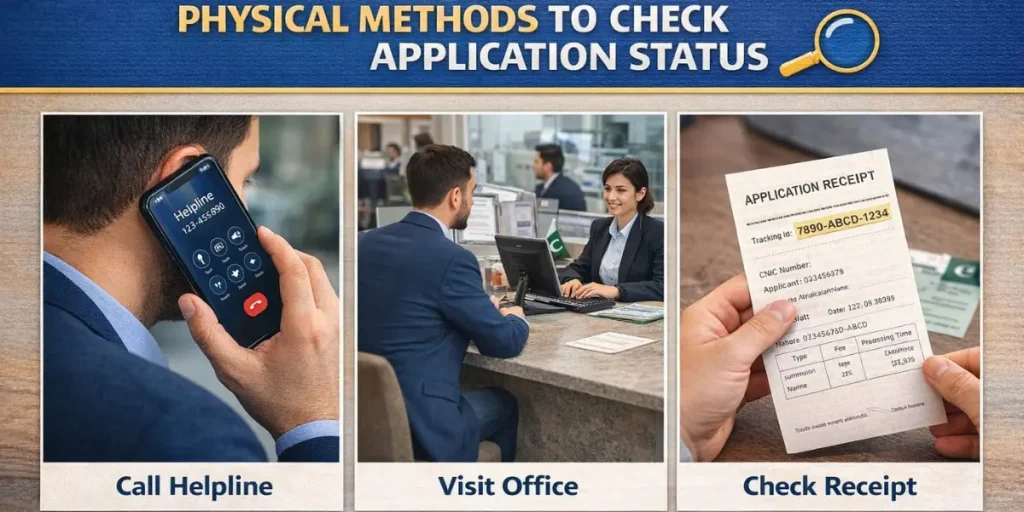
In-Person Verification at Customer Facilitation Centers (CFCs)
The most reliable way is to get your application update by visiting a CFC.
- Take your tracking ID, CNIC, and address proof.
- At the CFC, staff can check the status, verify documents, and guide you if anything is missing.
- In busy areas, try visiting early in the morning for faster service.
Common Problems While Checking Application Status
Two common problems appear with tracking apps and websites. Here are some steps to resolve them:
1. Tracking Portal Not Working
- Refresh the page or try again.
- Use the company app if the website is slow.
- Contact support if it continues to fail.
2. Application Condition Not Updating
- Sometimes the verification process takes time.
- Ensure all required documents were submitted correctly.
- Follow up with the support center or CFC for updates.
Frequently Asked Questions
Summary & Best Practices for Checking Application Position
Best Practices:
- Keep your tracking ID safe.
- Use apps whenever possible for faster updates.
- Follow up with support or CFC if the status is delayed.
- Ensure all documents are complete to avoid rejection.
By following these steps, you can easily track your application without confusion. Using apps, websites, or visiting CFCs, make sure you stay updated and avoid unnecessary delays.


