
How to Pay FESCO Bill in Pakistan (Complete Guide)
Do you know how important it is to pay your FESCO bill on time? If you delay the payment, a late payment surcharge is added and sometimes the electricity connection can also be disconnected.
FESCO (Faisalabad Electric Supply Company) offers both online and offline payment options so consumers can pay their bills easily and without stress.
In this guide, I will explain how to pay FESCO bill in Pakistan with all online and offline methods in detail, so anyone can understand. Mepco consumers can also check their Mepco bill online.
Online Methods to Pay Fesco Bill
Online payment is the easiest and fastest way. You can pay your bill from home using a mobile, laptop, or computer. No need to stand in long lines.
Below are all online methods explained in detail.
1. Through Bank Mobile Apps
Almost all banks in Pakistan allow electricity bill payment through their mobile apps.
How to Pay via Bank App:
- Open your bank mobile app
- Go to Bill Payments
- Select Electricity
- Choose FESCO
- Enter your 14-digit reference number
- Confirm bill amount
- Enter PIN and pay
Common Bank Apps:
- HBL Mobile
- UBL Digital
- Meezan Bank App
- MCB Live
- Allied Bank App
Payment is instant and you receive confirmation. t
2. Pay Bill via Internet Banking
If you use internet banking on a laptop or computer, this method is useful.
Steps:
- Log in to your bank’s internet banking
- Go to utility Bills
- Select FESCO
- Enter reference number
- Verify bill details
- Confirm payment
This method is safe and secure.
3. Using JazzCash App
JazzCash is a very popular mobile wallet in Pakistan.
Steps:
- Open JazzCash app
- Tap on Pay Bills
- Select Electricity
- Choose FESCO
- Enter reference number
- Pay Bill
You can pay using Jazz Cash balance or a linked bank account.
4. Using Easy Paisa App
Easy paisa also allows easy bill.

Steps:
- Open Easypaisa app
- Click utility bill
- Choose Electricity
- Select FESCO
- Enter reference number
- Confirm and pay
You receive SMS confirmation after payment.
5. Pay via ATM Machine
If you don’t want to use mobile apps an ATM is a good option.
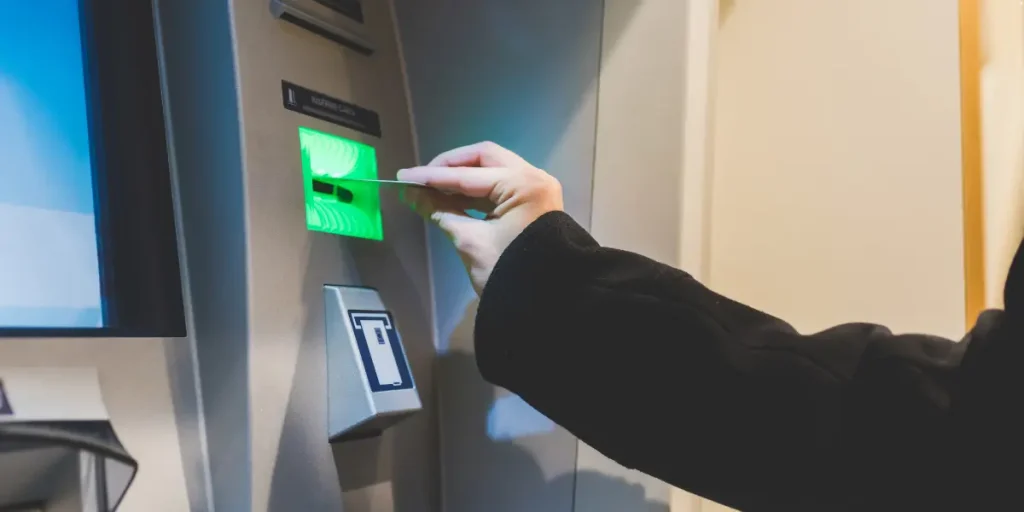
Steps:
- Insert ATM card
- Enter PIN
- Select pay bill
- Choose Electricity Bill
- Select FESCO
- Enter reference number
- Confirm payment
ATM receipt works as proof of payment.
6. Through 1Link App
The 1Link app also supports electricity bill.
Steps:
- Open 1Lnk app
- Go to utility bills
- Select FESCO
- Enter reference number
- Pay bill
7. Online Banking Websites
Some people prefer using bank websites instead of apps.
Steps:
- Open your bank official website
- Login to internet banking
- Go to payment section
- Select FESCO
- Enter reference number
- Pay bill
Offline Methods to Pay it
If you don’t use the internet or mobile apps offline payment methods are also available.
1. Bank Branch
You can pay your electricity bill at any authorized bank branch.
Steps:
- Take printed FESCO bill
- Visit nearest bank branch
- Give bill to cashier
- Pay cash
- Collect stamped receipt
Banks usually accept bills during banking hours.
2. Post Office
The Pakistan Post Office also accepts electricity payments
Steps:
- Visit post office
- Give your bill to counter staff
- Pay bill amount in cash
- Receive payment receipt
This method is useful in rural areas.
3. NADRA Collection Centers
Some NADRA centers also collect utility bills.
Steps:
- Visit NADRA center
- Show your electricity bill
- Pay cash
- Collect receipt
4. FESCO Customer Service Center
You can also visit a FESCO service center to pay your electricity bill directly.
Steps:
- Go to FESCO customer center
- Submit bill at payment center
- Pay cash
- Get receipt
This is helpful if you have billing issues.
5. Retailer Shops
Many registered shops accept utility payments.
Examples:
- EasyPaisa shops
- JazzCash retailers
- UBL Omni shops
Steps:
- Give reference number or printed bill
- Pay cash
- Get printed receipt
Important Tips
- Always pay before due date
- Keep payment receipt
- Double-check the reference number
- Avoid late payment surcharge
- Check bill status after payment
What Happens If Bill Is Not Paid on Time
If you don’t pay bill before due date:
- Late payment charges added
- Bill amount increases
- Risk of disconnection
- Reconnection charges apply
(FAQs)
Final Words
FESCO provides multiple online and offline payment methods to make life easier for consumers. Paying online is quick and convenient, but if you don’t have internet access, you can still pay your bill offline. Choose the method that suits you best and make sure to pay on time to avoid extra charges.